Mike, (and anyone else who doesn't know how to do this) - mouse over any image you see (and you can do this from any website), right click and a small box pops up. Depending on which browser you are using you will either have an option to copy the the image 'address' (image+url) into your computer's memory for you to paste here (it's basically copy and paste) or you will have to highlight 'Address' and copy manually.
You return to this page, paste the 'address' and mark it 'image'.
http://www.moviesunlimited.com/boxcover ... D54710.jpg" onclick="window.open(this.href);return false;
Above is the address (location) of The Godfather image below - you'll see it's from the movies unlimited website and the html code to show it. Once you've pasted the address, url, you highlight it and click on the button
Img and you get this:

If the image is not showing check that

(open image, close image) are at the start and end - and the address ends in an image file, such as .jpeg, gif, etc and not html.
The best way to do it is to practice and do just one or two at first. Click on Reply and see it you can get the hang of it by clicking Preview to see if it's working. You can always cancel it by hitting your back button and you can also delete or edit it.
The word to remember is PREVIEW - not forgetting Edit.


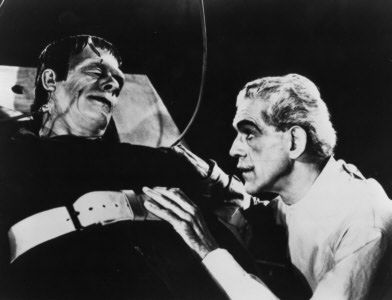
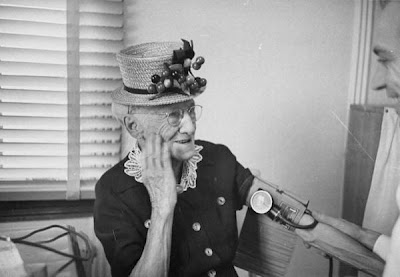











 Howard
 Megan
 Mary Anne
 John
 Suzie
 Gerard
 Pam
 Jas
 Ken
 Ray
 Dorine
 Bryan
 Michele
 Lloyd
 Marion
 Ralph
 Mikeydv
 Nicki
 Peter
 Puck
 Lauren
 Ralph
 Diane
 Michele
 Lisa
 Domnique
 What do you think?
 -


 j Michael
 Doris Martin
 Suzie
 Bryan


